Advance QR Code Generator
Adobe QR Code Generator
Introduction
In today’s fast-moving digital world, QR codes have become a bridge between the physical and online worlds. Whether you want to link customers to your website, share a document, or promote your brand, QR codes offer a quick, scannable solution. One of the most reliable tools available for this purpose is the Adobe QR Code Generator — a professional and free online tool that allows you to create customized, high-quality QR codes instantly.
Adobe’s QR Code Generator is part of its expanding suite of digital tools, designed to simplify creativity and productivity. From small businesses to professional marketers, anyone can create branded, trackable, and secure QR codes within seconds. In this article, we’ll explore how the Adobe QR Code Generator works, its main features, and why it’s one of the best free QR creation tools available today.
Secret chat incrypt 🔏 Decrept easy to use free tool click here
What Is Adobe QR Code Generator?
The Adobe QR Code Generator is a free online tool developed by Adobe that allows users to generate QR codes for URLs, files, text, and digital content. The tool produces high-resolution, print-ready codes that can be used on business cards, posters, flyers, or websites.
What makes Adobe’s generator stand out is its balance between design flexibility and ease of use. You don’t need any design skills — just enter your link or information, customize your code’s color or pattern, and download it instantly in your preferred format. Adobe ensures each QR code is functional, clean, and perfectly scannable across all devices.

How Does Adobe QR Code Generator Work?
Using the Adobe QR Code Generator is incredibly simple. It involves just three main steps:
- Enter Information: Type or paste the content you want to link — such as a URL, PDF, contact info, or text message.
- Customize the Design: Choose colors, styles, and patterns to match your brand identity or theme.
- Download the QR Code: Save your finished QR code as a PNG, JPG, or SVG for web or print use.
Adobe’s system automatically ensures your code meets the right data density and pixel ratio, guaranteeing accurate scanning from any smartphone or QR reader.
Key Features of Adobe QR Code Generator
1. Free and Easy to Use
The Adobe QR Code Generator is completely free, with no sign-up or installation required. It works directly in your browser, allowing instant code creation.
2. High-Quality QR Codes
Adobe ensures every QR code is created in high resolution. Whether for digital use or large print posters, your QR will remain sharp and clear.
3. Customization Options
You can easily customize the color, style, and format of your QR code. This allows brands and professionals to match their QR code to their company identity, improving recognition and aesthetics.
4. Secure and Reliable
Unlike random third-party QR code generators, the Adobe QR Code Generator ensures user safety. It doesn’t store personal data or content, making it secure for business use.
5. Works with Multiple File Types
You can link almost anything — from websites and documents to images, audio, or PDF files. The tool handles various data types efficiently.
6. Cross-Platform Access
The generator works on all browsers and devices, including Windows, macOS, Android, and iOS, with no app installation needed.
7. Instant Download Options
You can download your QR codes instantly in multiple formats such as PNG, JPG, or vector-based SVG for high-quality printing.
Why Use Adobe QR Code Generator?
1. Trusted Brand Reliability
Adobe is one of the world’s most trusted software companies. Using their QR code generator ensures quality, safety, and consistency.
2. Time-Saving Efficiency
You can generate professional-grade QR codes in seconds, saving hours of design or software setup.
3. Perfect for Marketing and Branding
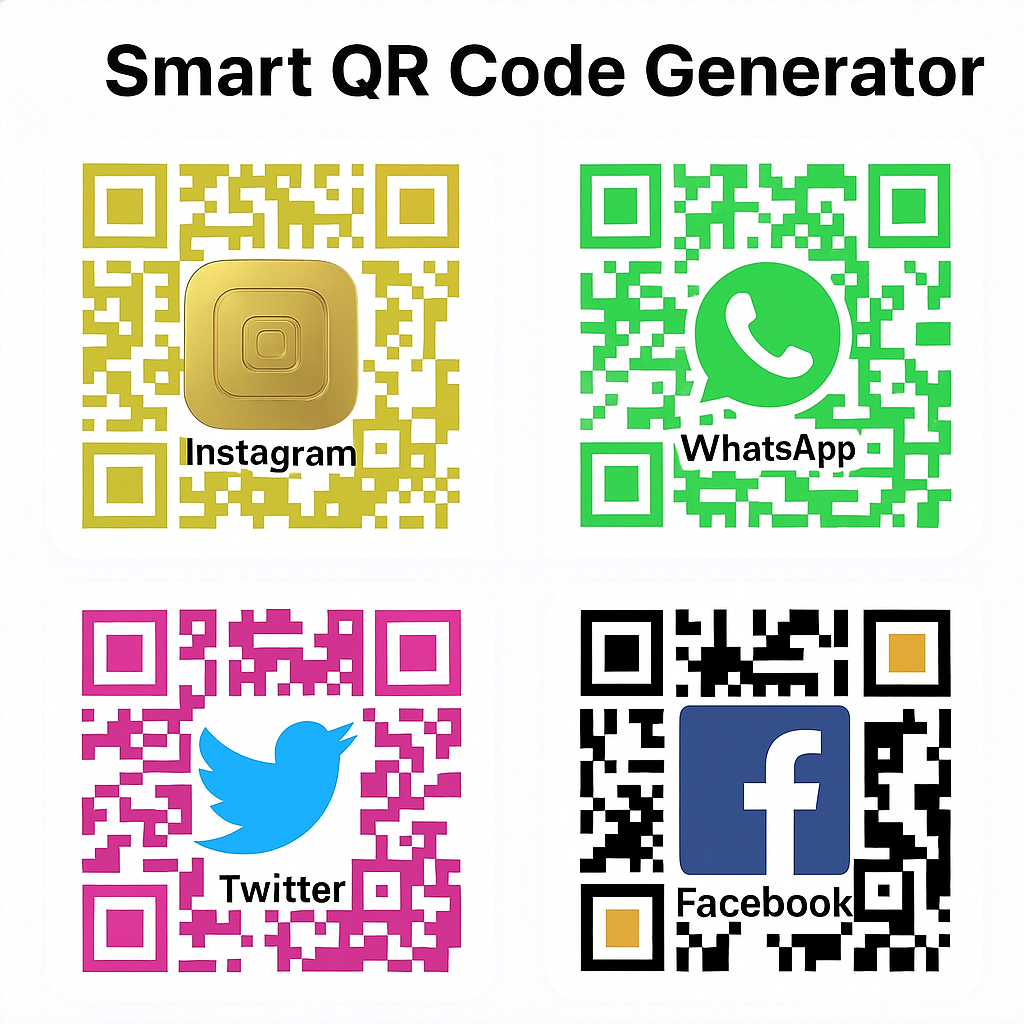
QR codes created with Adobe can link to social media pages, product catalogs, payment pages, or promotions — making them ideal for marketing campaigns.
4. Seamless Integration
The generated codes can easily integrate into Adobe Express, Photoshop, or Illustrator projects for advanced design flexibility.
5. No Technical Skills Required
You don’t need to understand design or coding — the tool is user-friendly for everyone, from beginners to marketing professionals.
Try to use other website
Benefits for Businesses and Creators
The Adobe QR Code Generator is more than a simple utility; it’s a creative tool that enhances brand engagement. Businesses can print QR codes on packaging, flyers, menus, or receipts to direct users instantly to their websites or digital offers.
For content creators, it helps share portfolio links, event invites, or YouTube channels with just one scan. Adobe’s focus on design and accuracy ensures that every QR code looks professional and performs flawlessly.
Moreover, because QR codes can be scanned instantly without typing links manually, they help reduce user friction and increase engagement rates — a vital factor for both marketing and eCommerce success.
The Future of QR Codes and Adobe’s Role
As QR technology continues to evolve, Adobe is ensuring that users can generate codes that are not only functional but also visually appealing. The integration of QR tools into Adobe’s ecosystem, like Adobe Express and Creative Cloud, reflects how the brand prioritizes creativity and accessibility.
Step-by-Step Guide to Using Adobe QR Code Generator
Creating a QR code with the Adobe QR Code Generator is extremely simple and quick. Even beginners can follow these easy steps:
- Open the Generator Page
Visit the official generator page or your hosted tool link for the Adobe QR Code Generator. - Add the Required Data
Enter the data or link you want to encode — it could be a website URL, PDF, image, contact information, or plain text. - Customize Your QR Code
Choose colors, borders, and patterns that match your design style or brand identity. You can also adjust the background color for visibility. - Preview the QR Code
Before downloading, preview the QR code to make sure it looks perfect and scannable. - Download in Preferred Format
Save your final QR code in PNG, JPG, or SVG formats. The vector file (SVG) is ideal for high-quality printing. - Test Your QR Code
Always test your QR code using your smartphone camera or QR app to verify the correct link or file opens properly.
Customization and Design Tips
The Adobe QR Code Generator is not only functional but also creative. To make your QR codes more engaging:
- Use Brand Colors: Incorporate your main brand color to make the QR code match your logo or website theme.
- Add a Logo or Icon: Some tools allow placing your small logo in the center for identity.
- Keep It Simple: Avoid excessive design changes that may affect the scannability.
- Maintain Contrast: Ensure dark patterns on a light background for easy scanning.
- Use Proper Margins: Keep enough white space around the code so scanners detect it quickly.
Custom QR codes attract more attention and help users trust your brand or message.
Comparison with Other QR Code Generators
When compared with other free QR generators online, the Adobe QR Code Generator stands out because of its simplicity and design precision. Let’s compare it briefly:
| Feature | Adobe QR Code Generator | Typical Online Tools |
|---|---|---|
| Ease of Use | Very Easy | Moderate |
| Customization | High (colors, patterns) | Limited |
| File Quality | High-resolution | Standard |
| File Format Options | PNG, JPG, SVG | Mostly PNG only |
| Branding Support | Strong | Weak |
| Security | Safe & Private | Depends on provider |
Unlike many random tools that store or track your data, the Adobe QR Code Generator focuses on secure creation and instant downloads without hidden ads or pop-ups.
Practical Uses of Adobe QR Code Generator
- Marketing Campaigns – Place QR codes on posters, flyers, or product packaging for instant engagement.
- Business Cards – Add a QR code linking directly to your portfolio, contact page, or website.
- Digital Menus & Events – Restaurants and event organizers can use QR codes for menus, tickets, or registration forms.
- E-commerce – Add QR codes on product labels linking to reviews or payment pages.
- Educational Use – Teachers can share resources or assignments through scannable codes.
This makes the Adobe QR Code Generator an essential tool for all industries — from education to e-commerce.
Security and Data Privacy
One of the biggest advantages of the Adobe QR Code Generator is data safety. Many third-party tools might save your input data on their servers, but Adobe-style generators ensure no storage or tracking occurs. Every QR code is generated locally in your browser session, keeping your information completely private.
This is crucial when generating codes for confidential documents, financial information, or internal company links. Always use trusted and secure tools that use HTTPS encryption.
Top 10 FAQs About Adobe QR Code Generator
1. What is the Adobe QR Code Generator used for?
It’s a free online tool to create QR codes for URLs, PDFs, text, or other digital data instantly.
2. Is this tool completely free?
Yes. The Adobe QR Code Generator is 100% free to use without subscriptions or hidden costs.
3. Do I need to install software to use it?
No installation is required. It runs directly in your web browser.
4. Can I customize my QR code design?
Absolutely. You can change colors, add patterns, and even adjust shapes for branding.
5. Is the QR code created by this tool permanent?
Yes, once generated, your QR code never expires unless you change the content manually.
6. Does it store my data online?
No. The generator does not store or share your uploaded data. It’s processed securely in your browser.
7. Can I use it for business or marketing purposes?
Yes, it’s ideal for businesses, freelancers, and creators looking to boost online engagement.
8. What file formats are available for download?
You can download QR codes in PNG, JPG, or SVG formats, suitable for both print and digital use.
9. Does this tool work on mobile phones?
Yes. The Adobe QR Code Generator is mobile-friendly and works perfectly on Android and iOS.
10. Are QR codes created by this tool scannable on all devices?
Yes, all generated codes are compatible with standard QR scanners and smartphone cameras.
Conclusion
The Adobe QR Code Generator is a reliable, creative, and user-friendly solution for generating professional QR codes in seconds. Its free accessibility, design customization options, and security make it one of the best tools for anyone who wants to connect offline and online audiences effortlessly.
Whether you’re a small business owner, a digital marketer, or a student, this tool gives you the freedom to create QR codes that perfectly represent your identity and purpose. With its ease of use and high-resolution output, you can integrate your QR codes into websites, flyers, business cards, and more — all while maintaining a clean, modern look.
In a digital-first era where attention spans are short and convenience matters most, QR codes are a powerful shortcut. The Adobe QR Code Generator bridges that gap — making information sharing fast, beautiful, and secure.